0.96 Inch Blue OLED Display Module SPI/I2C - 4pin Documentation
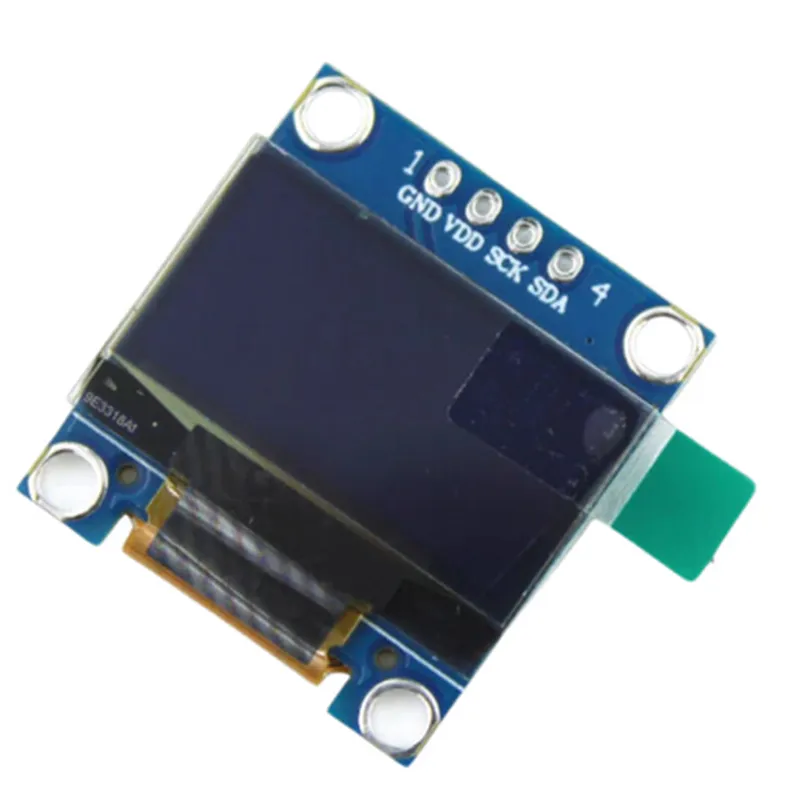
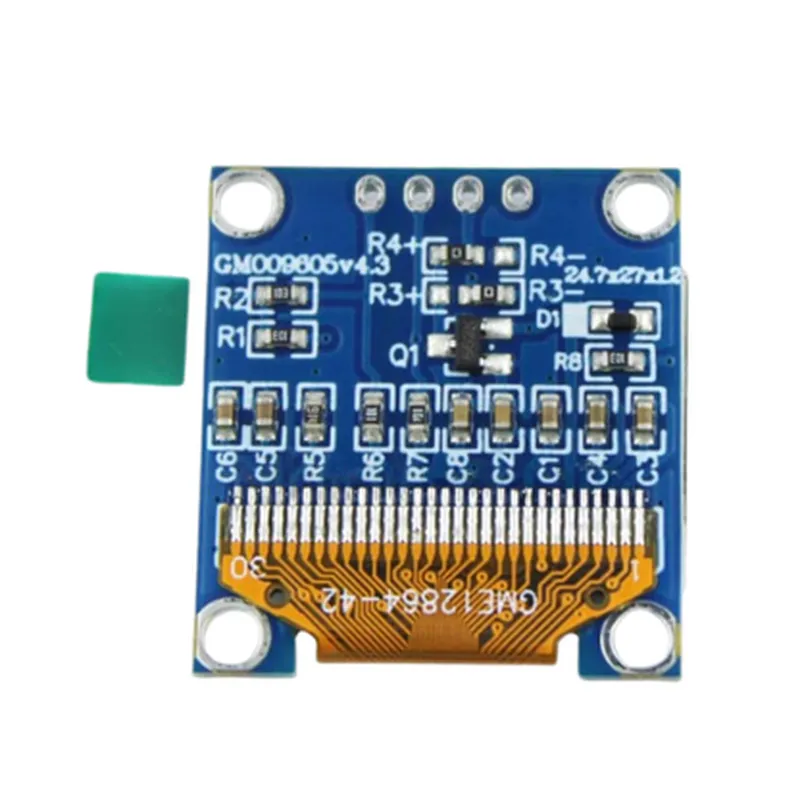
The 0.96 Inch Blue OLED Display Module is a compact, low-power display module featuring a 0.96-inch blue OLED display with a resolution of 128x64 pixels. It communicates with a microcontroller using either SPI or I2C interface, making it an ideal component for a wide range of IoT projects. This module is suitable for use in applications such as wearable devices, smart home systems, and industrial control systems.
The module has a 4-pin interface:
VCC: Power supply pin (typically 3.3V or 5V)
 GND: Ground pin
 SCL/CLK: Clock pin for I2C/SPI interface
 SDA/MOSI: Data pin for I2C/SPI interface
The module supports both SPI and I2C communication interfaces.
To use the module with the SPI interface, connect the pins as follows:
VCC to VCC on the microcontroller
 GND to GND on the microcontroller
 SCL/CLK to SCK on the microcontroller
 SDA/MOSI to MOSI on the microcontroller
Example Code (Arduino):
```c++
#include <SPI.h>
#define OLED_CS 5 // Chip select pin
#define OLED_CLK 13 // Clock pin
#define OLED_MOSI 11 // MOSI pin
void setup() {
  SPI.begin();
  pinMode(OLED_CS, OUTPUT);
  digitalWrite(OLED_CS, HIGH);
}
void loop() {
  digitalWrite(OLED_CS, LOW);
  SPI.transfer(0x00); // Command mode
  SPI.transfer(0x06); // Function set (horizontal addressing)
  SPI.transfer(0x0A); // Display on
  digitalWrite(OLED_CS, HIGH);
  delay(1000);
// Display a string on the OLED
  digitalWrite(OLED_CS, LOW);
  SPI.transfer(0x00); // Command mode
  SPI.transfer(0x80); // Set column address
  SPI.transfer(0x00); // Set page address
  SPI.transfer("Hello, World!"); // Send string data
  digitalWrite(OLED_CS, HIGH);
  delay(1000);
}
```
### I2C Interface
To use the module with the I2C interface, connect the pins as follows:
VCC to VCC on the microcontroller
 GND to GND on the microcontroller
 SCL/CLK to SCL on the microcontroller
 SDA/MOSI to SDA on the microcontroller
Example Code (Raspberry Pi, Python):
```python
import smbus
# I2C bus address of the OLED module
oled_addr = 0x3C
# Initialize the I2C bus
bus = smbus.SMBus(1)
# Set the display on
bus.write_byte(oled_addr, 0x0A)
# Set the column address
bus.write_byte(oled_addr, 0x80)
# Set the page address
bus.write_byte(oled_addr, 0x00)
# Send a string to the OLED
bus.write_i2c_block_data(oled_addr, 0x40, "Hello, World!")
# Wait for 1 second
time.sleep(1)
```
Note: The above examples are for illustration purposes only and may require modifications to work with your specific microcontroller or development board. Consult the datasheet and relevant documentation for your microcontroller for more information on using the SPI and I2C interfaces.