16x2 LCD (Blue) with I2C Interface


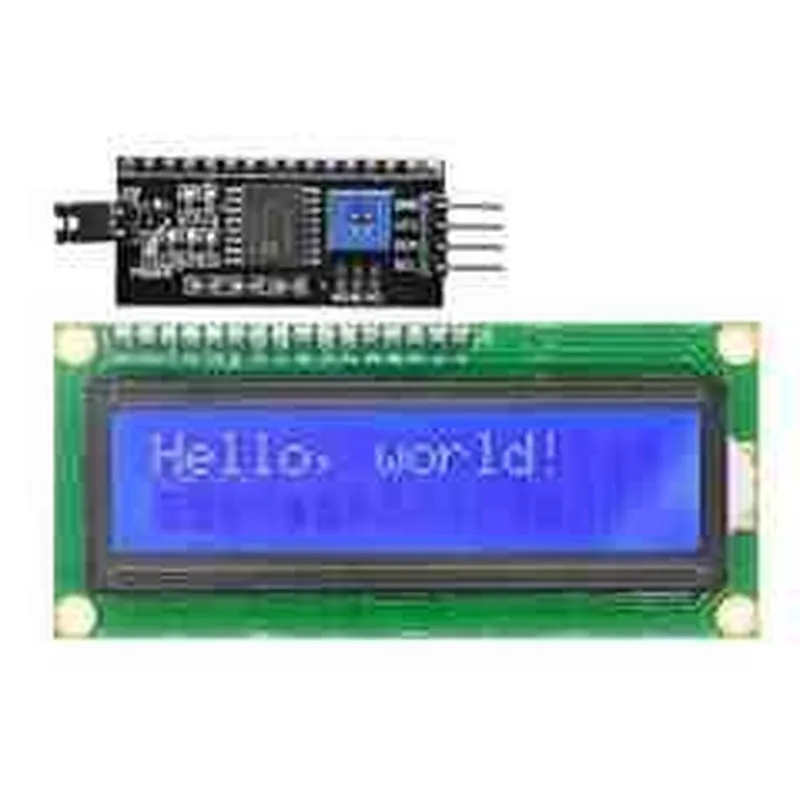
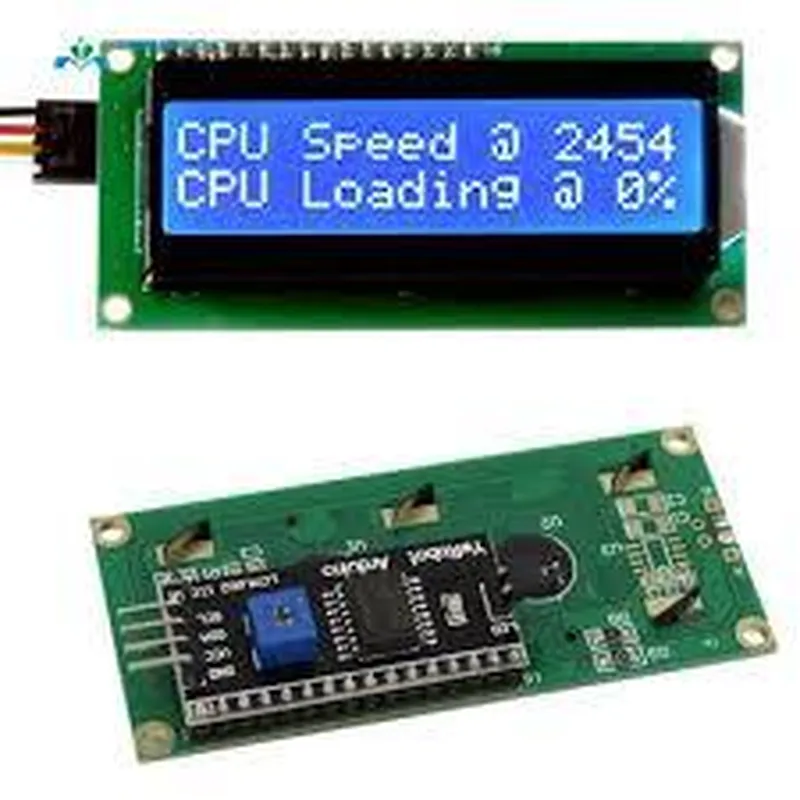
16x2 LCD (Blue) with I2C Interface
Liquid Crystal Display (LCD) Module
I2C (Inter-Integrated Circuit)
The 16x2 LCD (Blue) with I2C Interface is a compact and versatile display module designed for use in a wide range of Internet of Things (IoT) applications. This LCD module features a 16 character x 2 line display, making it ideal for displaying short messages, sensor readings, and other types of data in a clear and concise manner.
| The primary function of the 16x2 LCD (Blue) with I2C Interface is to provide a user-friendly display interface for microcontrollers, single-board computers, and other IoT devices. The module is capable of displaying alphanumeric characters, symbols, and custom graphics, making it suitable for a variety of applications, including |
Displaying sensor readings (e.g., temperature, humidity, pressure)
Showing system status and notifications
Providing user interfaces for menu navigation and data entry
Displaying text-based information (e.g., names, addresses, messages)
STN (Super-Twist Nematic) LCD
16 characters x 2 lines
Blue backlight
5V
| I2C Clock Frequency | 100 kHz |
I2C (Inter-Integrated Circuit)
80 x 36 x 12 mm (L x W x H)
30 grams
IoT projects (e.g., smart home devices, environmental monitoring systems)
Robotics and automation projects
Consumer electronics (e.g., smart appliances, wearables)
Industrial control systems
Medical devices and equipment
Available upon request
Available for popular microcontrollers and platforms
Available for integration and troubleshooting assistance
16x2 LCD (Blue) with I2C InterfaceOverviewThe 16x2 LCD (Blue) with I2C Interface is a compact and widely used display module for various IoT applications. It features a 16-character, 2-line LCD display with a blue backlight, and communicates with a microcontroller or single-board computer via the I2C (Inter-Integrated Circuit) protocol. This display module is ideal for projects requiring a simple and efficient human-machine interface.Technical SpecificationsDisplay Type: ST7066U
Display Size: 16 characters x 2 lines
Backlight Color: Blue
Interface: I2C (7-bit and 10-bit addressing)
Operating Voltage: 5V
Dimensions: 80 x 36 x 12 mm
Weight: 30gPinoutThe 16x2 LCD (Blue) with I2C Interface has the following pinout:| Pin | Function |
| --- | --- |
| VCC | Power supply (5V) |
| GND | Ground |
| SDA | I2C Data |
| SCL | I2C Clock |
| V0 | Contrast adjustment |Code Examples### Example 1: Arduino Basic DisplayThis example demonstrates how to display a simple message on the LCD display using an Arduino board.Hardware RequirementsArduino Uno or compatible board
16x2 LCD (Blue) with I2C Interface
Breadboard and jumper wiresSoftware RequirementsArduino IDE (version 1.8.x or higher)Code
```c++
#include <Wire.h>
#include <LiquidCrystal_I2C.h>LiquidCrystal_I2C lcd(0x27, 16, 2); // I2C address, columns, rowsvoid setup() {
lcd.init();
lcd.backlight();
lcd.setCursor(0, 0);
lcd.print("Hello, World!");
lcd.setCursor(0, 1);
lcd.print("Arduino LCD Demo");
}void loop() {
// Do nothing
}
```
### Example 2: Raspberry Pi Python ScriptThis example shows how to display system information on the LCD display using a Raspberry Pi single-board computer and Python.Hardware RequirementsRaspberry Pi (any version)
16x2 LCD (Blue) with I2C Interface
Breadboard and jumper wiresSoftware RequirementsRaspbian OS (latest version)
Python 3.x (installed on Raspbian)Code
```python
import smbus
import time# I2C bus and address
bus = smbus.SMBus(1)
address = 0x27# Initialize LCD
bus.write_byte(address, 0x00) # Initialize display
bus.write_byte(address, 0x0F) # Turn on backlightwhile True:
# Get system information
hostname = subprocess.check_output(["hostname"]).decode("utf-8").strip()
ip_address = subprocess.check_output(["hostname", "-I"]).decode("utf-8").strip()# Clear display
bus.write_byte(address, 0x01)# Set cursor position
bus.write_byte(address, 0x80)# Display system information
bus.write_string(address, hostname)
bus.write_string(address, ip_address)# Wait 1 second before updating
time.sleep(1)
```
Note: Ensure you have the necessary dependencies installed, such as `smbus` and `subprocess`, before running the Python script.Additional ResourcesFor more information on the I2C protocol, refer to the official I2C specification document.
For detailed documentation on the LCD display module, consult the datasheet provided by the manufacturer.
For Arduino and Raspberry Pi specific documentation, visit the official websites of Arduino and Raspberry Pi Foundation.