2.4 GHz
| Wi-Fi Standard | IEEE 802.11 b/g/n |


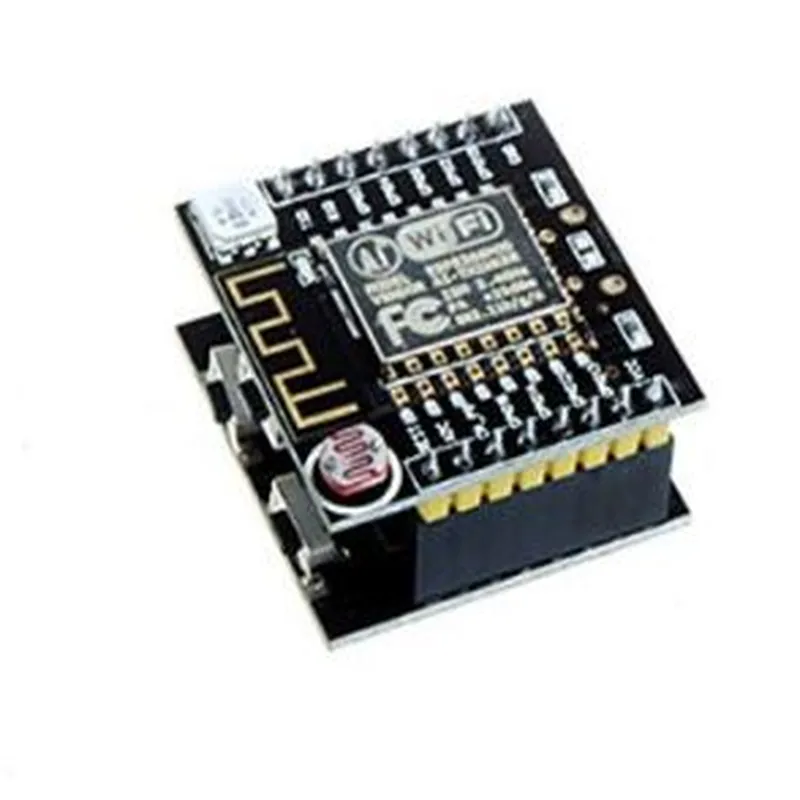
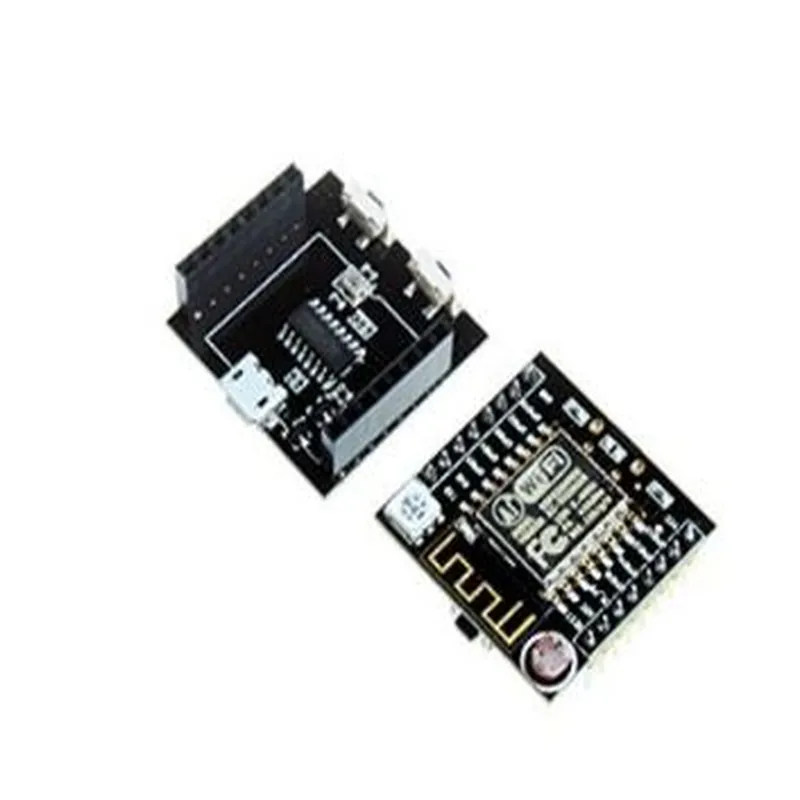
2.4 GHz
| Wi-Fi Standard | IEEE 802.11 b/g/n |
Up to 72.2 Mbps
ESP8266EX
4 MB
96 KB
Supported up to 32 GB
3.3 V
< 200 mA (typical)
Applications
| The Witty Cloud ESP12F Module is suitable for a wide range of IoT applications, including |
Home automation systems
Industrial control and monitoring systems
Wearable devices
IoT gateways
Smart sensors and actuators
Robotics and drone applications
Conclusion
The Witty Cloud ESP12F Module is a powerful and feature-rich IoT development board, offering a unique blend of performance, reliability, and ease of use. Its compact size, low power consumption, and rich set of peripherals make it an ideal choice for a wide range of IoT applications.
Witty Cloud ESP12F Module DocumentationThe Witty Cloud ESP12F Module is a microcontroller-based IoT module that integrates the ESP12F chip, a popular Wi-Fi system-on-a-chip (SoC). This module provides a compact and cost-effective solution for IoT projects, allowing users to connect their devices to the cloud and interact with them remotely.OverviewMCU: ESP12F (based on ESP8266EX)
Frequency: 80 MHz to 160 MHz
Flash Memory: 4 MB
Wi-Fi: 802.11 b/g/n
Interfaces: UART, SPI, I2C, I2S, ADC, DAC
Operating Temperature: -40C to 125C
Power Supply: 3.3V to 5.5VProgrammingThe Witty Cloud ESP12F Module can be programmed using the Arduino IDE, MicroPython, or Lua. The following examples demonstrate how to use the module in different contexts.Example 1: Wi-Fi Connectivity with Arduino IDEThis example demonstrates how to connect the Witty Cloud ESP12F Module to a Wi-Fi network and send data to a cloud-based platform.```cpp
#include <WiFi.h>const char ssid = "your_wifi_ssid"; // Replace with your Wi-Fi SSID
const char password = "your_wifi_password"; // Replace with your Wi-Fi passwordvoid setup() {
Serial.begin(115200);// Connect to Wi-Fi
WiFi.begin(ssid, password);
while (WiFi.status() != WL_CONNECTED) {
delay(1000);
Serial.println("Connecting to WiFi...");
}Serial.println("Connected to WiFi");
Serial.println("IP address: ");
Serial.println(WiFi.localIP());
}void loop() {
// Send data to cloud platform
HTTPClient http;
http.begin("http://example.com/iot/data");
http.addHeader("Content-Type", "application/json");
int httpCode = http.POST("{""temperature"": 24.5, ""humidity"": 60.2}");if (httpCode > 0) {
String response = http.getString();
Serial.println(response);
} else {
Serial.println("Error sending data to cloud");
}http.end();
delay(10000);
}
```Example 2: MicroPython Example - Reading Temperature and HumidityThis example demonstrates how to use the Witty Cloud ESP12F Module with MicroPython to read temperature and humidity data from a connected sensor and send it to a cloud-based platform.```python
import machine
import utime
import urequests# Initialize temperature and humidity sensor (e.g., DHT11)
dht = machine.DHT(machine.Pin(2), machine.DHT11)while True:
# Read temperature and humidity data
dht.measure()
temperature = dht.temperature()
humidity = dht.humidity()# Create JSON payload
data = {"temperature": temperature, "humidity": humidity}# Send data to cloud platform
response = urequests.post("http://example.com/iot/data", json=data)
print(response.text)utime.sleep(10)
```Example 3: Lua Example - Controlling an LEDThis example demonstrates how to use the Witty Cloud ESP12F Module with Lua to control an LED connected to the module's GPIO pins.```lua
-- Initialize LED pin
gpio.mode(2, gpio.OUTPUT)while true do
-- Toggle LED state
gpio.write(2, gpio.HIGH)
tmr.delay(1000000) -- 1 second delay
gpio.write(2, gpio.LOW)
tmr.delay(1000000) -- 1 second delay
end
```These examples demonstrate the Witty Cloud ESP12F Module's capabilities in various contexts, including Wi-Fi connectivity, cloud-based data sending, and GPIO pin control.