L298N Motor Driver IC Documentation
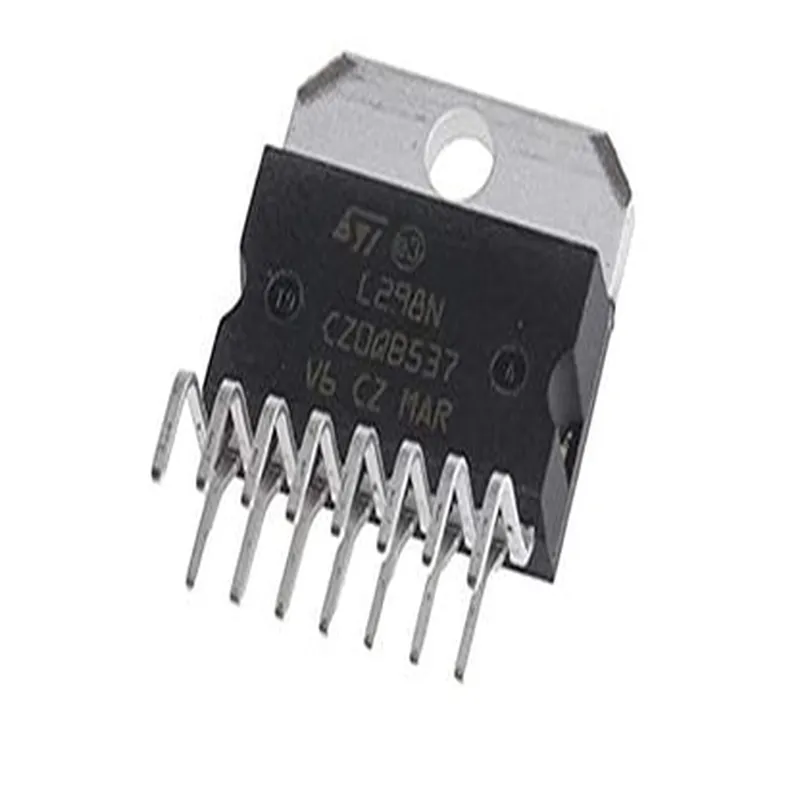
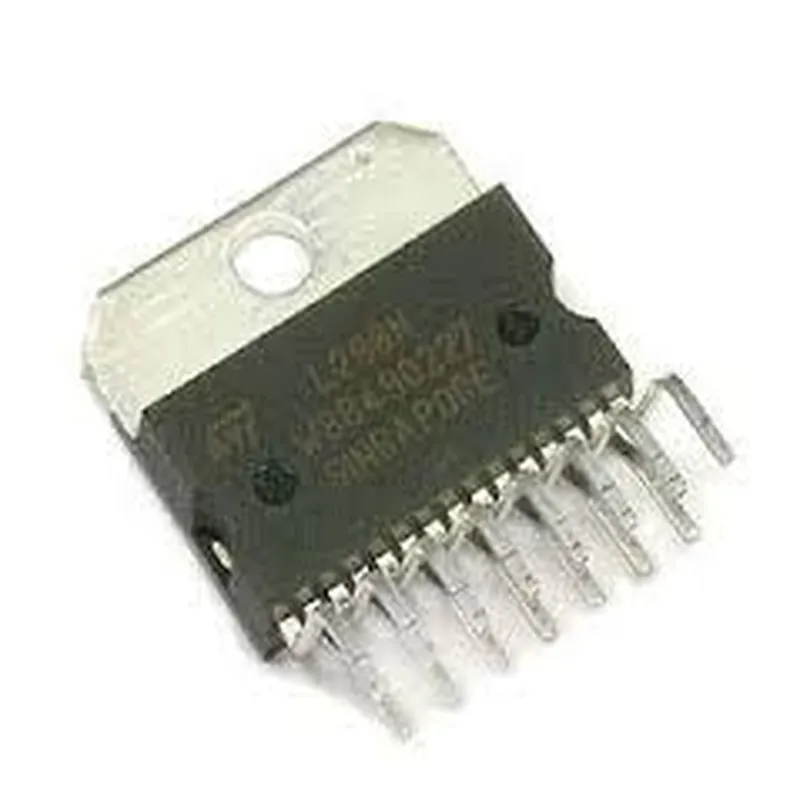
The L298N Motor Driver IC is a high-power, dual H-bridge motor driver capable of driving two DC motors or one stepper motor. It's widely used in robotics, automation, and IoT projects. This documentation provides an overview of the component, pinouts, and code examples to get you started.
The L298N Motor Driver IC has a 15-pin package with the following pinouts:
VCC (Pin 1): Positive supply voltage (5V-24V)
 Input 1 (Pin 2): Input pin for Motor A
 Input 2 (Pin 3): Input pin for Motor A
 Enable 1 (Pin 4): Enable pin for Motor A
 Input 3 (Pin 5): Input pin for Motor B
 Input 4 (Pin 6): Input pin for Motor B
 Enable 2 (Pin 7): Enable pin for Motor B
 Sense A (Pin 8): Sense pin for Motor A
 Sense B (Pin 9): Sense pin for Motor B
 GND (Pin 10): Ground
 VCC (Pin 11): Positive supply voltage (5V-24V)
 Output 1 (Pin 12): Output pin for Motor A
 Output 2 (Pin 13): Output pin for Motor A
 Output 3 (Pin 14): Output pin for Motor B
 Output 4 (Pin 15): Output pin for Motor B
### Example 1: Basic Motor Control with Arduino
In this example, we'll control two DC motors using an Arduino board and the L298N Motor Driver IC.
```c++
const int enA = 2;  // Enable pin for Motor A
const int in1 = 3;  // Input pin for Motor A
const int in2 = 4;  // Input pin for Motor A
const int enB = 5;  // Enable pin for Motor B
const int in3 = 6;  // Input pin for Motor B
const int in4 = 7;  // Input pin for Motor B
void setup() {
  pinMode(enA, OUTPUT);
  pinMode(in1, OUTPUT);
  pinMode(in2, OUTPUT);
  pinMode(enB, OUTPUT);
  pinMode(in3, OUTPUT);
  pinMode(in4, OUTPUT);
}
void loop() {
  // Set motor speed
  analogWrite(enA, 128);  // Set speed for Motor A (0-255)
  analogWrite(enB, 128);  // Set speed for Motor B (0-255)
// Forward movement
  digitalWrite(in1, HIGH);
  digitalWrite(in2, LOW);
  digitalWrite(in3, HIGH);
  digitalWrite(in4, LOW);
  delay(1000);
// Reverse movement
  digitalWrite(in1, LOW);
  digitalWrite(in2, HIGH);
  digitalWrite(in3, LOW);
  digitalWrite(in4, HIGH);
  delay(1000);
}
```
### Example 2: Stepper Motor Control with Raspberry Pi
In this example, we'll control a stepper motor using a Raspberry Pi and the L298N Motor Driver IC.
```python
import RPi.GPIO as GPIO
import time
# Define stepper motor pins
step_pin = 17
dir_pin = 23
enable_pin = 24
GPIO.setup(step_pin, GPIO.OUT)
GPIO.setup(dir_pin, GPIO.OUT)
GPIO.setup(enable_pin, GPIO.OUT)
try:
  while True:
    # Enable stepper motor
    GPIO.output(enable_pin, GPIO.LOW)
# Set direction
    GPIO.output(dir_pin, GPIO.HIGH)
# Step the motor
    for i in range(100):
      GPIO.output(step_pin, GPIO.HIGH)
      time.sleep(0.001)
      GPIO.output(step_pin, GPIO.LOW)
      time.sleep(0.001)
# Change direction
    GPIO.output(dir_pin, GPIO.LOW)
# Step the motor
    for i in range(100):
      GPIO.output(step_pin, GPIO.HIGH)
      time.sleep(0.001)
      GPIO.output(step_pin, GPIO.LOW)
      time.sleep(0.001)
except KeyboardInterrupt:
  GPIO.cleanup()
```
L298N Datasheet: [www.st.com/resource/en/datasheet/l298n.pdf](http://www.st.com/resource/en/datasheet/l298n.pdf)
 Arduino Motor Library: [www.arduino.cc/en/Reference/Motor](http://www.arduino.cc/en/Reference/Motor)
 Raspberry Pi GPIO Library: [www.raspberrypi.org/documentation/usage/gpio/library/](http://www.raspberrypi.org/documentation/usage/gpio/library/)