Dual Monster Moto Shield VNH3ASP30 DC Motor Drive


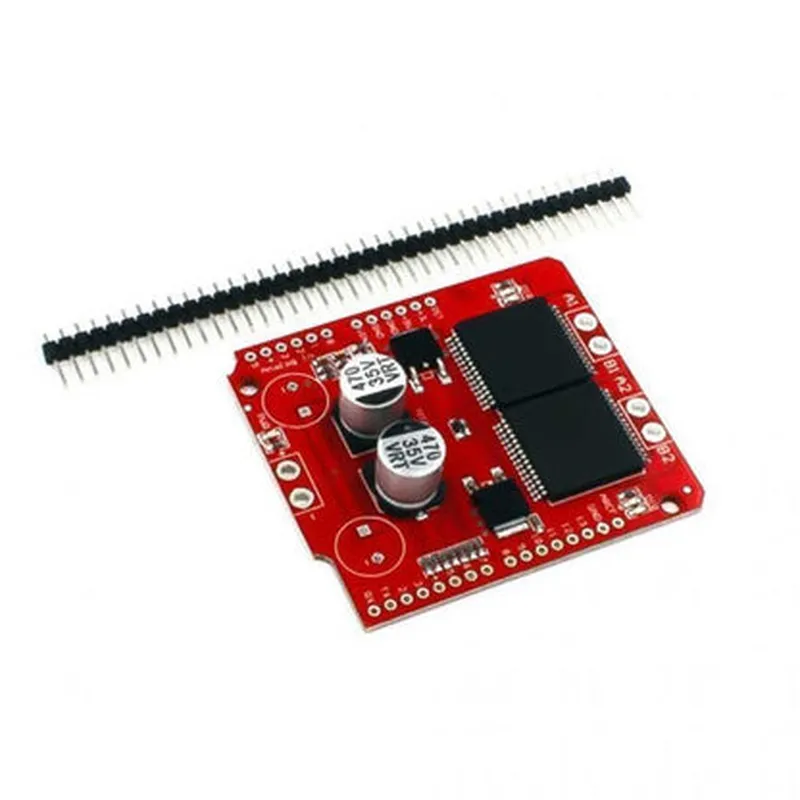
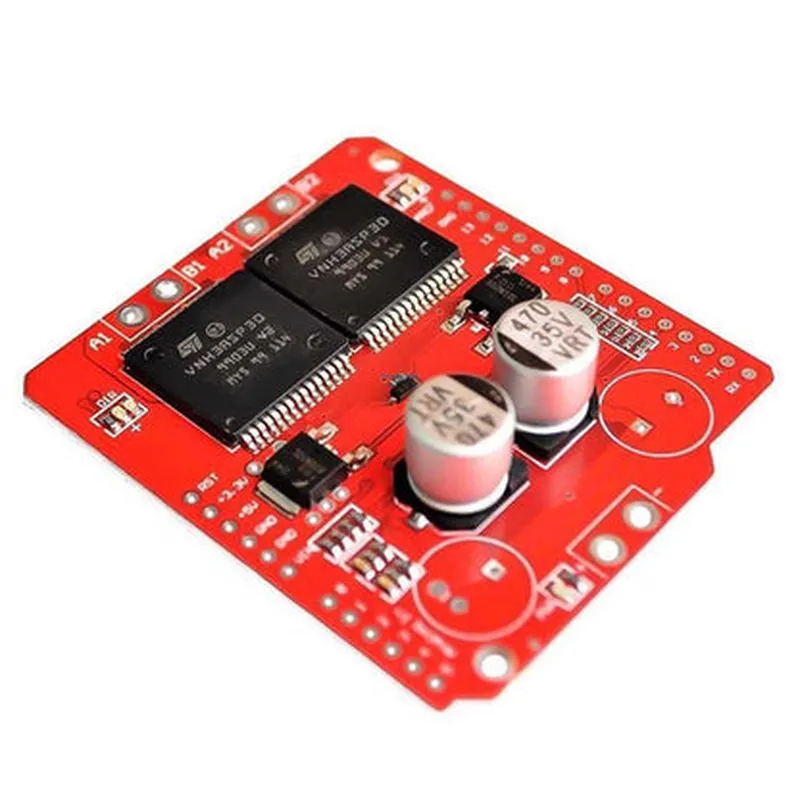
Dual Monster Moto Shield VNH3ASP30 DC Motor Drive
The Dual Monster Moto Shield VNH3ASP30 DC Motor Drive is a high-performance motor driver shield designed to control and drive two DC motors simultaneously. This shield is built around the VNH3ASP30 motor driver IC, which provides high-current handling capabilities and advanced protection features. The shield is compatible with most microcontrollers, including Arduino boards, and is ideal for robotics, automation, and other applications that require precise motor control.
| The Dual Monster Moto Shield VNH3ASP30 DC Motor Drive is designed to control two DC motors independently, allowing for precise speed and direction control. The shield provides the following functionality |
The shield can control two DC motors with a maximum current rating of 30A each.
The shield supports PWM (Pulse Width Modulation) control for precise speed control of the motors.
The shield allows for bidirectional control of the motors, enabling forward and reverse rotation.
The shield features overcurrent protection, which prevents damage to the motors and the shield itself in case of excessive current draw.
The shield includes thermal protection, which shuts down the motor driver in case of overheating.
| High-Current Handling | The shield can handle up to 30A of continuous current per motor, making it suitable for high-torque applications. |
The shield includes overcurrent, undervoltage, and thermal protection to prevent damage to the motors and the shield.
The shield allows for adjustable current limiting, enabling users to set a maximum current limit for their motors.
| Built-in 5V Regulator | The shield features a built-in 5V regulator, which provides a stable voltage supply for microcontrollers and other devices. |
The shield complies with safety standards, including UL and IEC, ensuring safe operation in a variety of applications.
The shield is compatible with most microcontrollers, including Arduino boards, and can be easily integrated into a variety of projects.
Up to 30A per motor (continuous)
5.5V to 24V
3.3V to 5V
Up to 20 kHz
-20C to 85C
70mm x 55mm
| The Dual Monster Moto Shield VNH3ASP30 DC Motor Drive is suitable for a wide range of applications, including |
Robotics
Automation
Industrial control systems
Electric vehicles
Home automation
Medical devices
The Dual Monster Moto Shield VNH3ASP30 DC Motor Drive is a high-performance motor driver shield that offers advanced protection features, high-current handling capabilities, and precise motor control. Its compatibility with most microcontrollers and ease of integration make it an ideal choice for a variety of applications.
Dual Monster Moto Shield VNH3ASP30 DC Motor Drive DocumentationOverviewThe Dual Monster Moto Shield VNH3ASP30 DC Motor Drive is a high-power motor driver shield designed for Arduino and other microcontrollers. It is capable of driving two DC motors with a maximum current of 30A per channel. This shield is ideal for robotics, drones, and other projects requiring high-torque and high-speed motor control.Pinouts and ConnectionsThe shield has the following pinouts and connections:| Pin | Function |
| --- | --- |
| M1/M2 | Motor 1 and Motor 2 connections (positive and negative terminals) |
| VIN | Power input (6-24V) |
| GND | Ground connection |
| SCL/SDA | I2C interface (optional) |
| MISO/MOSI/SCK | SPI interface (optional) |
| ENA/ENB | Enable pins for Motor 1 and Motor 2 (active high) |
| IN1/IN2/IN3/IN4 | Motor direction and speed control inputs |
| DIAGA/DIAGB | Diagnostic output pins (optional) |Example 1: Basic Motor Control with ArduinoIn this example, we will demonstrate how to control a single DC motor using the Dual Monster Moto Shield with an Arduino Uno.```cpp
// Define motor pins
const int enA = 2; // Enable pin for Motor 1
const int in1 = 3; // Input pin 1 for Motor 1
const int in2 = 4; // Input pin 2 for Motor 1void setup() {
pinMode(enA, OUTPUT);
pinMode(in1, OUTPUT);
pinMode(in2, OUTPUT);
}void loop() {
// Set motor speed and direction
digitalWrite(enA, HIGH); // Enable motor
digitalWrite(in1, HIGH); // Set direction
digitalWrite(in2, LOW);delay(2000); // Run motor for 2 secondsdigitalWrite(enA, LOW); // Disable motor
delay(1000); // Wait for 1 seconddigitalWrite(enA, HIGH); // Enable motor
digitalWrite(in1, LOW); // Set direction
digitalWrite(in2, HIGH);delay(2000); // Run motor for 2 seconds
}
```Example 2: Motor Speed Control with PWM using ArduinoIn this example, we will demonstrate how to control the speed of a DC motor using Pulse Width Modulation (PWM) with the Dual Monster Moto Shield and an Arduino Uno.```cpp
// Define motor pins
const int enA = 2; // Enable pin for Motor 1
const int in1 = 3; // Input pin 1 for Motor 1
const int in2 = 4; // Input pin 2 for Motor 1void setup() {
pinMode(enA, OUTPUT);
pinMode(in1, OUTPUT);
pinMode(in2, OUTPUT);// Set motor direction
digitalWrite(in1, HIGH);
digitalWrite(in2, LOW);
}void loop() {
// Set motor speed using PWM
analogWrite(enA, 128); // 50% duty cycle (medium speed)
delay(2000); // Run motor for 2 secondsanalogWrite(enA, 255); // 100% duty cycle (maximum speed)
delay(2000); // Run motor for 2 secondsanalogWrite(enA, 0); // 0% duty cycle (minimum speed)
delay(2000);  // Run motor for 2 seconds
}
```
Example 3: I2C Communication with Raspberry PiIn this example, we will demonstrate how to use the Dual Monster Moto Shield with a Raspberry Pi to control a DC motor using I2C communication.```python
import smbus# Define I2C bus and address
bus = smbus.SMBus(1)
address = 0x60def set_motor_speed(speed):
# Create I2C write command
command = [0x00, speed]
bus.write_i2c_block_data(address, 0x00, command)try:
while True:
# Set motor speed to 50%
set_motor_speed(128)
time.sleep(2)# Set motor speed to 100%
set_motor_speed(255)
time.sleep(2)# Set motor speed to 0%
set_motor_speed(0)
time.sleep(2)except KeyboardInterrupt:
# Disable motor on exit
set_motor_speed(0)
```Note: This example assumes the Dual Monster Moto Shield is connected to a Raspberry Pi using the I2C interface, and the shield is configured to use I2C address 0x60.